
Salesforce has always been offering powerful features across sales, service, revenue, data, and AI, which give organisations the ability to scale and innovate. However, it was never easy to understand which features were right for your needs, what they depended on, or how to enable them without risk. In fact, feature setup often required jumping between Setup screens, documentation, and licensing pages, with no clear view of readiness or impact.
Therefore, Salesforce introduced Salesforce Go in the Winter 2025 release to change this experience. Salesforce Go brings structure to feature enablement by connecting discovery, setup, access, and adoption in one guided flow.
Now, you have a central platform to explore features based on business goals, understand requirements before enabling anything, follow a clear setup path, and monitor real usage with confidence.
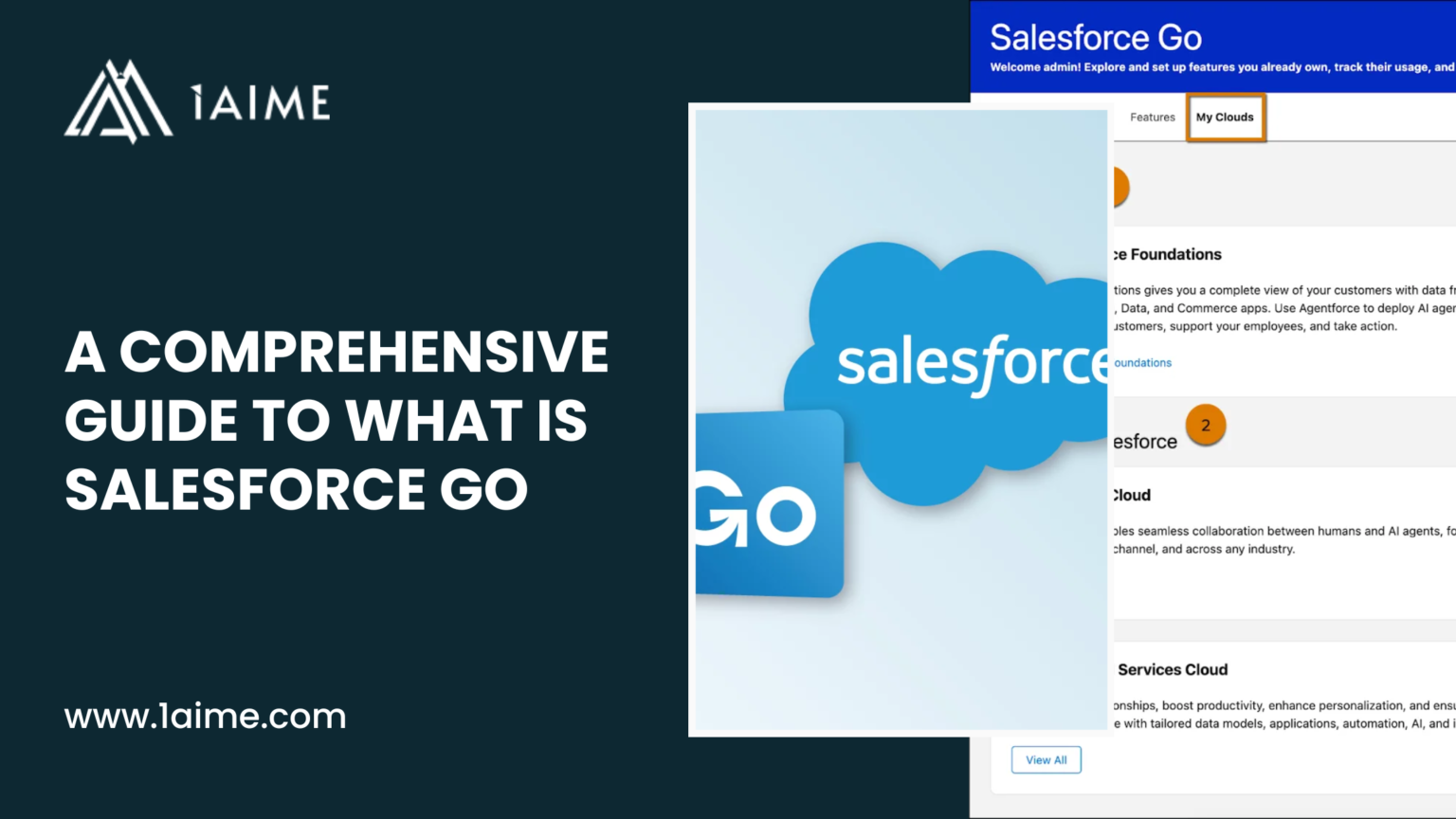
So, What is Salesforce Go?
Salesforce Go is a centralised platform layer within Salesforce that governs how features are discovered, enabled, configured, accessed, and monitored across an organisation. It provides a single, controlled workflow that connects feature discovery, licensing eligibility, prerequisite validation, setup steps, user access, and adoption tracking into one consistent process.
Basically, Salesforce Go defines the approved path through which Salesforce capabilities move from availability to operational use. It does not add new functionality. It ensures existing features enter the organisation in the correct order, with the correct permissions, configuration, and visibility in place.
Salesforce Go works by:
- Presenting features and feature sets based on business goals and licensed editions
- Validating eligibility, prerequisites, and dependencies before activation
- Guiding setup and configuration through structured steps
- Managing user access through permission sets and permission set licences
- Monitoring feature usage and licence adoption over time
In technical terms, Salesforce Go functions as the feature lifecycle and enablement control layer for the Salesforce platform.
Also Read: How to Set Up RCA Features with Salesforce Go?
Is Salesforce Go a Cloud or a User Interface for Other Clouds?
Salesforce Go is not a Salesforce cloud and not a standalone product. It is not even just a simple user interface.
Salesforce Go is a platform-level enablement and control service within Salesforce Setup that manages how features from all Salesforce clouds are discovered, enabled, configured, licensed, and monitored inside an organisation.
It operates at the platform layer, not the application layer.
Salesforce Clouds such as Sales Cloud, Service Cloud, and Revenue Cloud deliver business functionality. They introduce objects, data models, automation, and execution logic.
Salesforce Go does not deliver business functionality.
Instead, Salesforce Go controls the feature lifecycle for different clouds by:
- Determining which features are available based on edition and licences
- Validating technical prerequisites and dependencies
- Controlling the activation state of features
- Exposing required configuration steps
- Managing permission set and licence assignment
- Monitoring feature usage and adoption
All the controls are enforced through Salesforce Setup and system metadata, not through user workflows.
So, the accurate way to describe Salesforce Go is:
Salesforce Go is a platform enablement and governance service within Salesforce that controls the discovery, activation, configuration, access, and adoption of features across all Salesforce clouds.
It acts as the system of record for feature state inside a Salesforce organisation.
Just to be clear…
- Salesforce Go does not replace any Salesforce cloud
- Salesforce Go does not introduce new business capability
- Salesforce Go governs how and when cloud features become usable
Core Capabilities of Salesforce Go
| Capability | What It Does | Why It Matters |
| Feature discovery | Shows available features and feature sets based on edition, licences, and business goals | Helps identify relevant capabilities without searching across Setup and documentation |
| Feature sets | Groups related features around a clear business outcome | Supports enablement planning aligned with organisational workflows |
| Eligibility validation | Confirms edition, licence, and permission requirements before activation | Prevents unsupported or incomplete feature enablement |
| Prerequisite and dependency checks | Validates required features and settings before activation | Ensures correct activation order and platform stability |
| Guided feature activation | Provides a controlled process to enable features | Reduces risk during feature rollout |
| Configuration guidance | Surfaces required setup steps after activation | Ensures features become operational |
| User access management | Assigns permission sets and permission set licences | Keeps access aligned with enabled features |
| Licence monitoring | Tracks assigned and active permission set licences | Supports cost and capacity management |
| Feature usage tracking | Displays adoption and usage metrics | Enables value measurement and optimisation |
| Safe rollout support | Supports sandbox-first enablement and readiness checks | Reduces operational risk before production release |
Free Download: CPQ to RCA Migration Guide for C-Suite Leaders
How Salesforce Go Works Across the Salesforce Platform?
Salesforce Go works as the connective layer between business intent and technical execution across the Salesforce platform. Instead of treating feature discovery, setup, permissions, licensing, and adoption as separate activities, Salesforce Go brings them into one coordinated experience. You no longer move between disconnected areas of Setup, Help, and account management to understand what a feature needs or whether it is ready for use.
Salesforce Go operates inside Salesforce Setup and reflects the actual state of your organisation. It shows what your edition supports, which licences are available, what prerequisites exist, and what configuration remains incomplete. Every action follows a defined path, so features move from availability to real use with clarity and control.
This approach applies across clouds, not just one product area. Sales, Service, Revenue, Data, and AI features all follow the same enablement logic. Salesforce Go provides consistency across the platform, even as Salesforce continues to expand.
Salesforce Go as a Centralised Enablement Layer
Salesforce Go functions as the central enablement layer that controls how Salesforce features enter and operate within an organisation. It sits above individual clouds and features and provides one place to evaluate readiness, confirm requirements, and guide setup. Instead of enabling features in isolation, Salesforce Go ensures every capability follows a consistent, supported path from discovery to real use.
This centralisation removes uncertainty. You make decisions with full visibility into licensing, prerequisites, configuration steps, and access requirements. Salesforce Go does not replace Setup. It coordinates it, so enablement stays structured as your Salesforce footprint grows.
Salesforce Go enables this by:
- Showing only features supported by your edition and licences
- Validating prerequisites and dependencies before activation
- Guiding setup and configuration in the correct sequence
- Aligning user access with feature availability
- Providing visibility into usage and licence consumption
For Example,
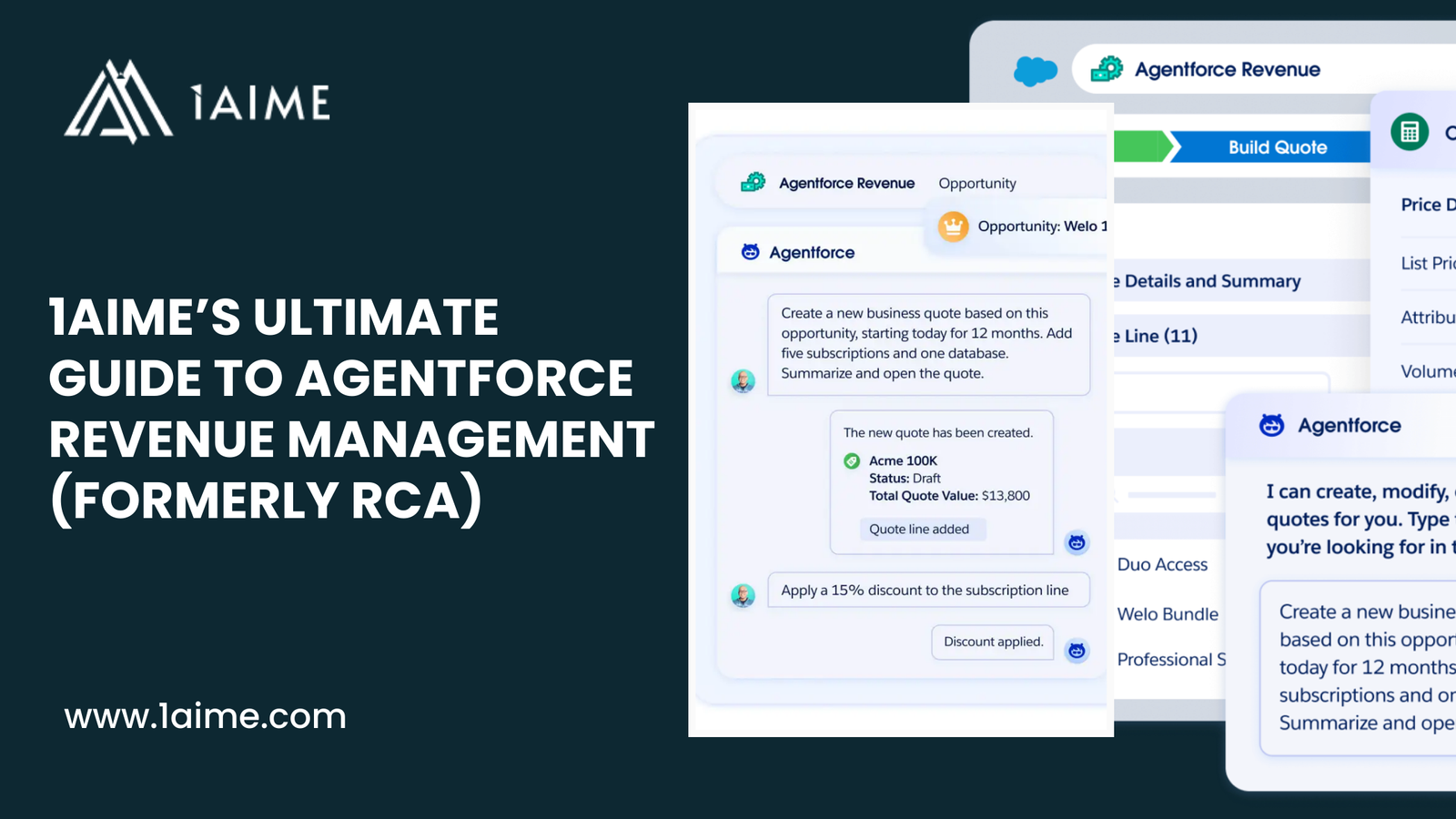
Revenue Cloud features depend on shared product models, pricing logic, and transaction flows. Salesforce Go ensures all the foundations are properly active before advanced capabilities are available to use.
- Product catalogue and pricing engines appear before quoting features
- Dependencies between pricing, quotes, orders, and assets remain enforced
- Permission sets and licences stay aligned as revenue features expand
- Partial or unstable enablement stays blocked until readiness is confirmed
Once you follow this approach, you’ll see how it enables Revenue Cloud to operate as a connected revenue system rather than a set of disconnected modules.
Also Read: Is Your Business RCA-Ready? 5 Questions to Ask Before Migrating from Salesforce CPQ
Discovery, Activation, Configuration, and Adoption Lifecycle
Salesforce Go helps you manage feature enablement through a structured lifecycle. It brings discovery, activation, configuration, and adoption into one controlled flow so features enter your organisation with clarity and readiness. You understand what a feature does, what it requires, how to set it up correctly, and whether teams actually use it. This approach reduces risk and removes guesswork as Salesforce continues to expand.
Now, let’s consider a practical example.
Suppose you are required to enable Revenue Cloud Advanced so your sales team can handle subscriptions, renewals, and amendments without manual work.
Discovery
- Open Salesforce Go and search for Revenue Cloud.
- Review the available feature sets related to revenue transactions.
- Confirm which RCA features your licences support.
- Assess whether the features align with your subscription and renewal model.
Activation
- Select the Revenue Cloud feature set in Salesforce Go.
- Salesforce Go checks licensing eligibility automatically.
- Salesforce Go validates required foundations such as product catalogue and pricing.
- Advanced revenue features remain unavailable until prerequisites are complete.
Configuration
- Salesforce Go surfaces setup steps for each enabled RCA feature.
- Assign permission sets to sales and revenue operations users.
- Configure Lightning pages for quotes and orders through guided links.
- Complete pricing procedures and product rules in the required sequence.
Adoption
- Salesforce Go shows total Revenue Cloud licences available.
- Review how many users hold access versus how many actively use the features.
- Identify gaps in usage for renewals or amendments.
- Adjust access, training, or configuration based on real data.
Also Read: Salesforce Revenue Cloud Limits Your Org Should Know Before Deployment
Who is Salesforce Go Designed for?
- Salesforce administrators responsible for feature setup, configuration, and access
- Platform owners who govern how Salesforce evolves across the organisation
- Revenue operations teams managing complex pricing, quoting, and lifecycle features
- Sales operations teams enabling productivity and pipeline capabilities
- Service operations teams activating service and AI-driven features
- IT and enterprise architects overseeing platform stability and governance
- Organisations running multiple Salesforce clouds in a single org
- Teams that require controlled feature rollout and adoption visibility
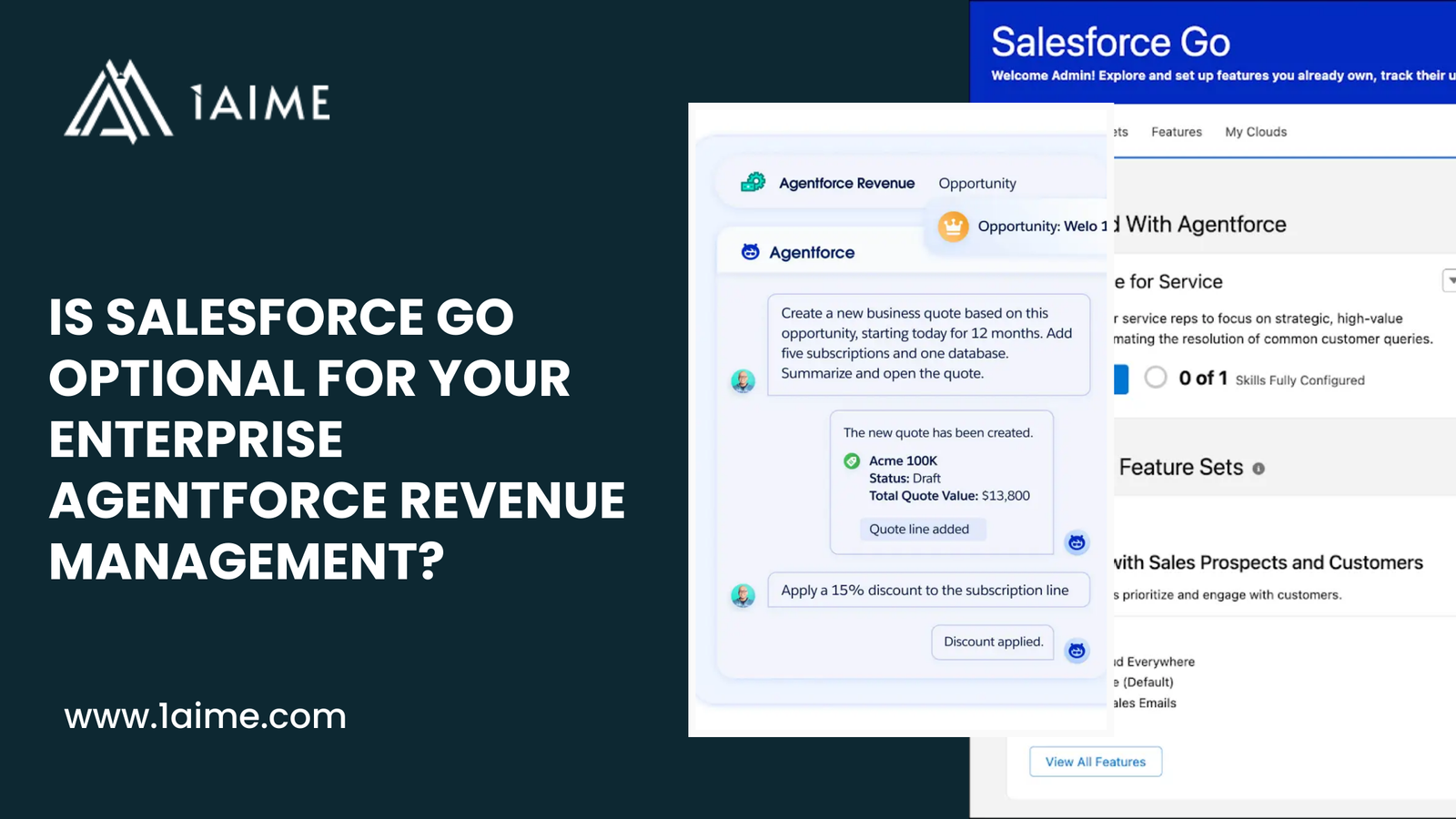
Is Salesforce Go Mandatory?
Salesforce Go is not always mandatory, but it is required in specific use cases where Salesforce enforces controlled feature enablement. So, the usage of Salesforce Go depends on the complexity of the features you plan to enable.
When Salesforce Go Is Mandatory
- Revenue Cloud and Revenue Cloud Advanced features require Salesforce Go for activation
- Features with complex dependency chains rely on Salesforce Go to control activation order
- Capabilities that expose setup steps only through Salesforce Go cannot be enabled elsewhere
- Features that require permission set licence assignment during enablement depend on Salesforce Go
- Salesforce-enforced guided setup paths run exclusively through Salesforce Go
When Salesforce Go Is Optional
- Basic Salesforce features allow direct activation through Setup
- Standalone capabilities with minimal dependencies do not require Salesforce Go
- Features that do not involve licence governance remain configurable without Salesforce Go
- Simple enablement scenarios support traditional Setup navigation
- Organisations with limited cloud usage can enable features without guided control
Also Read: What is the Cost of Ignoring Revenue Cloud (RCA) Limits During Implementation?
FAQs
What is Salesforce Go used for?
Salesforce Go manages how Salesforce features become available inside an organisation. It controls discovery, activation, configuration, user access, and adoption tracking so features enter the org in a supported and usable state.
Is Salesforce Go a Salesforce product or cloud?
Salesforce Go is not a product or a cloud. It is a platform-level enablement service within Salesforce Setup that governs how features from all Salesforce clouds are enabled and managed.
How do you access Salesforce Go in Salesforce?
Salesforce Go is available from Salesforce Setup. Select the gear icon in Lightning Experience and choose Salesforce Go to open the feature enablement workspace.
Does Salesforce Go replace Salesforce Setup?
Salesforce Go does not replace Setup. It coordinates setup by controlling when features can be enabled and by guiding configuration steps through existing Setup tools.
How does Salesforce Go support Revenue Cloud Advanced (RCA)?
Salesforce Go controls activation order, validates dependencies, manages licences, and guides configuration for Revenue Cloud Advanced features so pricing, quoting, orders, and lifecycle processes work together reliably.